HOW TO edit code deployed to Azure Web Site directly in your browser
The right way to do things is to publish a web site from source control but if you run a hobby site or have just a few seconds to fix an absolutely critical situation of a site running live (fully aware of the dangers of doing so), you can edit code of a website hosted on Azure Web Site in your browser.
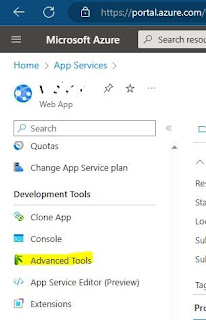
Go to your Windows Azure Web Site’s Kudu dashboard using this URL - https://{your site name}.scm.azurewebsites.net (in other words, add .scm in front of the site name).
Choose Debug Console > CMD menu option. The list of folders and files of your site will be listed:

Edit the required file and hit Save to see the changes reflect on your site.
Go to your Windows Azure Web Site’s Kudu dashboard using this URL - https://{your site name}.scm.azurewebsites.net (in other words, add .scm in front of the site name).
Choose Debug Console > CMD menu option. The list of folders and files of your site will be listed:
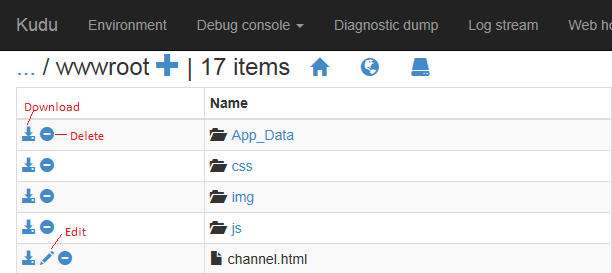
Edit the required file and hit Save to see the changes reflect on your site.


Comments
Post a Comment